Premium WordPress Marketplace · 2 Plugins

Professional
WordPress Plugins

Built for Businesses, Store Owners and Creators.
One-click install. Lifetime updates. Zero hassle.

No ZIP uploads
Auto updates
14-day guarantee
2+ Plugins Available
0 Customers Served
0 Installations
0 Documentation Articles
Full Catalogue

All Plugins

Browse our complete library of professional WordPress plugins.

Featured
Woo Commerce v2.5

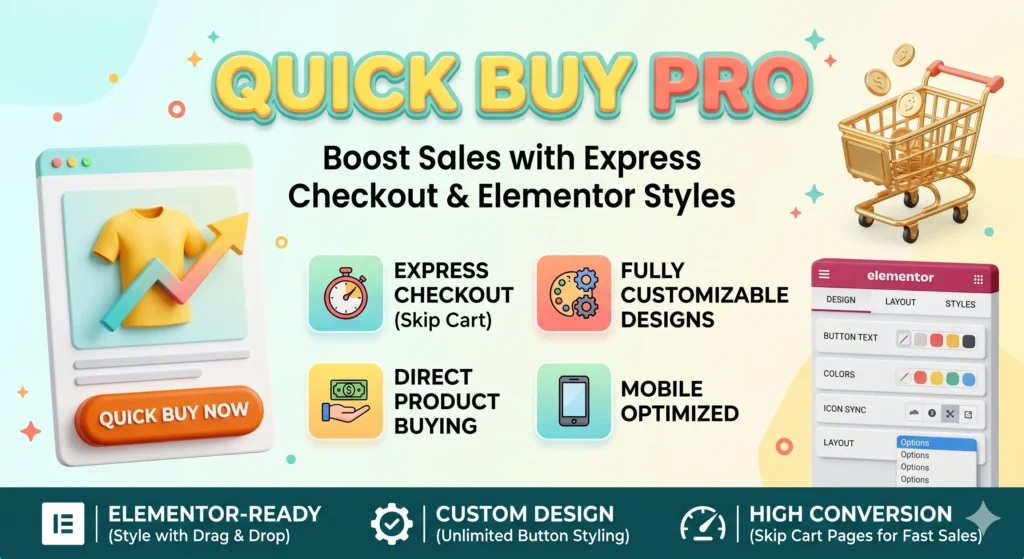
Auto Buy Now

🌉 ProductBridge is a powerful WordPress & WooCommerce product distribution platform that lets you connect websites, fetch products…

Featured
Woo Commerce v2.5

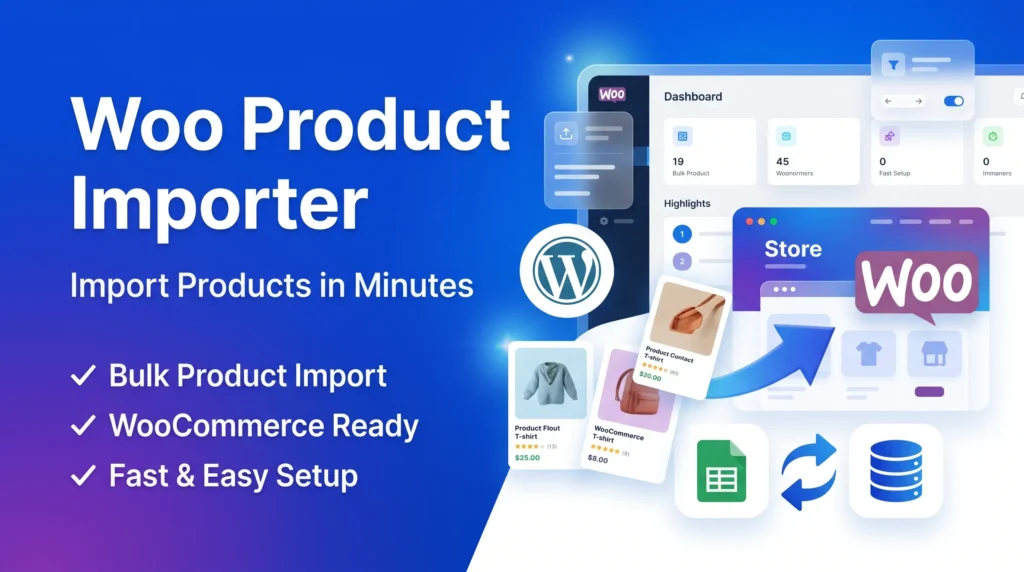
Woo Product Flow

🌉 ProductBridge is a powerful WordPress & WooCommerce product distribution platform that lets you connect websites, fetch products…

Simple Process

How It Works

Get up and running in under 5 minutes.

01

Buy Plugin

Choose your plugin and complete the secure WooCommerce checkout.

02

Receive License Key

Your unique license key is emailed instantly and saved in your account.

03

Install Digonest Pro

Install our free manager plugin from the WordPress repository.

04

Activate License

Paste your license key into Digonest Pro settings to authenticate.

05

One Click Install

Install and activate your plugin instantly — no ZIP uploads ever.

Why Us

Why Choose Digonest

Everything you need. Nothing you don't.

No ZIP Uploads

Say goodbye to manual ZIP file uploads. Everything installs remotely.

Remote Installation

One click remote install directly from your WordPress admin dashboard.

License Management

Manage all your licenses in one place — activate or deactivate anytime.

Video Tutorials

Step-by-step video guides to get started quickly and confidently.

Regular Updates

All plugins receive regular updates for compatibility and new features.

Documentation Included

100+ detailed articles for every feature, setting and use case.

Help

Frequently Asked Questions

Everything you need to know before you start.

How do I install Digonest plugins?

Install and activate Digonest Pro from your WordPress admin. Enter your license key and install your purchased plugins with a single click — no ZIP uploads required.

Do I need ZIP uploads?

No. All Digonest plugins install remotely via the Digonest Pro manager. You will never need to download or upload a ZIP file.

How do I receive my license key?

Your license key is delivered automatically to your email immediately after purchase. You can also find it in your account dashboard under My Licenses.

Can I use a plugin on multiple sites?

Each license allows activation on the number of sites specified in your plan. Multi-site licenses are available for larger projects.

Do plugins receive automatic updates?

Yes. While your license is active, updates appear directly in your WordPress dashboard just like any other plugin — one click to update.

Is there a refund policy?

We offer a 14-day money-back guarantee on all plugins. Contact support for a full refund if you are not satisfied for any reason.

Custom Development

Need a Custom Plugin?

We build bespoke WordPress and WooCommerce solutions tailored to your exact requirements — fast delivery, clean code, full documentation.